

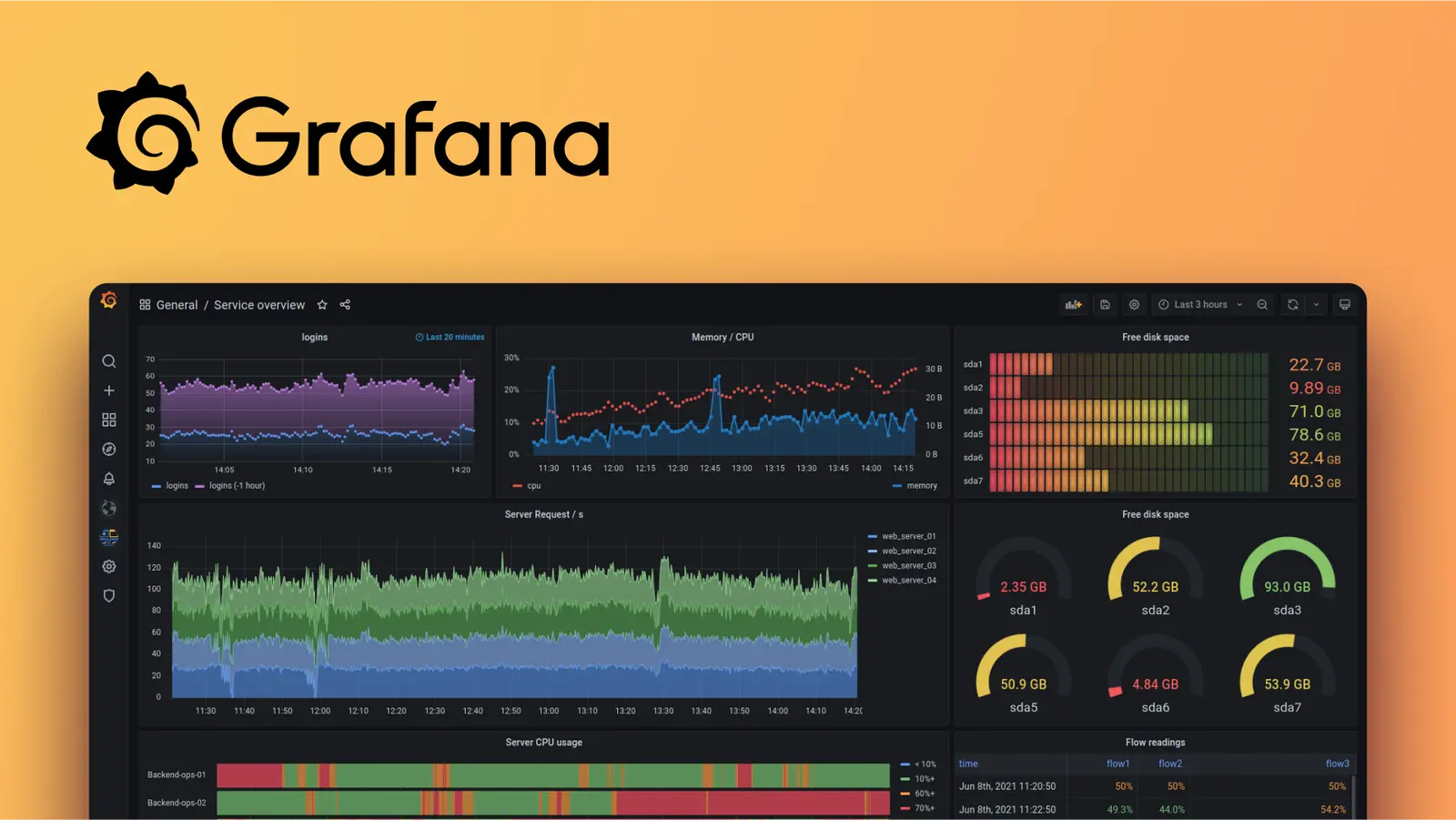
Việc vận hành một hệ thống Backend phức tạp cũng giống như việc duy trì nhịp đập sự sống; bạn không thể chữa lành nếu không biết nó đang tổn thương ở đâu. Để thấu hiểu tường tận trạng thái của ứng dụng, từ một API viết bằng Spring Boot hay những luồng xử lý Goroutine nội bộ, chúng ta cần một lăng kính rõ ràng. Lăng kính đó chính là Grafana.
# bản chất
Cần làm rõ một nguyên tắc phân tách trách nhiệm (Clean Architecture trong Monitoring): Grafana KHÔNG lưu trữ hay trực tiếp thu thập dữ liệu.
Nó đóng vai trò là tầng Presentation, là một nền tảng mã nguồn mở chuyên biệt cho việc trực quan hóa (visualization) và giám sát (monitoring). Grafana kết nối đến các "kho dữ liệu" (Data Sources) như Prometheus, Loki, Elasticsearch hay PostgreSQL, truy vấn thông tin và vẽ lên những Dashboard mạch lạc, giúp kỹ sư nhìn thấu trạng thái hệ thống theo thời gian thực.
Kiến trúc
Data Sources                    Grafana                      Users
┌────────────┐                ┌──────────────┐
│ Prometheus │──metrics──────>│              │
│ Loki       │──logs─────────>│  Dashboards  │──────> Browser
│ Elasticsearch│──logs/search─>│  Alerts      │──────> Slack/Email
│ PostgreSQL │──sql──────────>│  Explore     │
│ InfluxDB   │──timeseries───>│              │
└────────────┘                └──────────────┘
# core concepts
Để làm chủ Grafana, ta cần nắm vững các khối xây dựng cơ bản sau:
| Concept | Mô tả |
|---|---|
| Data Source | Kết nối tới nơi lưu data (Prometheus, Loki, DB) |
| Dashboard | Tập hợp panels hiển thị metrics/logs |
| Panel | 1 visualization (graph, gauge, table, stat) |
| Query | PromQL, LogQL, SQL... tùy data source |
| Variable | Template variables cho dynamic dashboards |
| Alert Rule | Condition → trigger notification |
| Annotation | Mark events trên timeline (deploy, incident) |
# dashboard design
Cái khéo của một Dashboard không nằm ở việc nhồi nhét càng nhiều biểu đồ càng tốt, mà ở việc chắt lọc những chỉ số thực sự có ý nghĩa. Hãy áp dụng hai tiêu chuẩn ngành sau:
- USE Method (Dành cho Hạ tầng): Giám sát Utilization (Mức sử dụng), Saturation (Mức bão hòa/thắt cổ chai), và Errors (Lỗi) của CPU, Memory, Disk, Network.
- RED Method (Dành cho Ứng dụng/Services): Theo dõi Rate (Số lượng request/giây), Errors (Tỉ lệ lỗi), và Duration (Độ trễ/Thời gian phản hồi).
# Cấu trúc tiêu chuẩn cho một Service Overview Dashboard
Service Overview Dashboard:
├── Row: Health (Trạng thái tổng quan)
│   ├── Uptime (Stat)
│   ├── Error rate (Stat - Đổi màu đỏ nếu > 1%)
│   └── Active instances (Stat)
├── Row: Traffic (Lưu lượng truy cập - RED)
│   ├── Requests/sec (Time series)
│   ├── Response time p50/p95/p99 (Time series)
│   └── Status codes (Stacked bar)
├── Row: Resources (Tài nguyên - USE)
│   ├── CPU & Memory usage (Time series)
│   └── JVM Heap / Goroutine count (Time series)
└── Row: Dependencies (Hệ thống phụ thuộc)
    ├── DB connection pool (Time series)
    └── Message Broker Queue depth (VD: Kafka/RabbitMQ) (Time series)
# panel types phổ biến
| Type | Use case |
|---|---|
| Time series | Metrics over time (CPU, memory, latency) |
| Stat | Single value (current requests/sec) |
| Gauge | Value trong range (disk usage %) |
| Bar gauge | Compare multiple values |
| Table | Tabular data (top endpoints, errors) |
| Logs | Log viewer (với Loki) |
| Heatmap | Distribution over time (latency buckets) |
| Alert list | Active alerts |
# promql trong grafana (with prometheus)
# Request rate (requests/sec) - Lưu lượng request
rate(http_server_requests_seconds_count{application="order-service"}[5m])

# Error rate (%) - Tỉ lệ lỗi 5xx
sum(rate(http_server_requests_seconds_count{status=~"5.."}[5m]))
/ sum(rate(http_server_requests_seconds_count[5m])) * 100

# P95 latency - Độ trễ ở percentile 95 (P95 latency)
histogram_quantile(0.95,
 sum(rate(http_server_requests_seconds_bucket{application="order-service"}[5m])) by (le))

# JVM memory used
jvm_memory_used_bytes{application="order-service", area="heap"}

# Top 5 slowest endpoints
topk(5,
 sum(rate(http_server_requests_seconds_sum[5m])) by (uri)
 / sum(rate(http_server_requests_seconds_count[5m])) by (uri))
# variables (dynamic dashboards)
Đừng tạo 10 Dashboard tĩnh cho 10 microservices. Hãy áp dụng triết lý "DRY" (Don't Repeat Yourself) bằng cách sử dụng Variables.
# Biến $service: Lấy danh sách tất cả các ứng dụng
Query: label_values(http_server_requests_seconds_count, application)
→ Dropdown: order-service, user-service, payment-service

# Biến $instance: Lấy danh sách IP/Pod của service đã chọn
Query: label_values(http_server_requests_seconds_count{application="$service"}, instance)
→ Dropdown: 10.0.1.1:8080, 10.0.1.2:8080

# Dùng trong panel query:
rate(http_server_requests_seconds_count{application="$service", instance="$instance"}[5m])
# alerting
Một hệ thống Alerting tồi sẽ tạo ra vô số "tiếng ồn" (Alert Fatigue), khiến ta bỏ qua những cảnh báo thực sự quan trọng.
Do đó chỉ cảnh báo dựa trên Triệu chứng (Symptom - ví dụ: Tỉ lệ lỗi tăng cao, API phản hồi chậm) tác động trực tiếp đến người dùng, KHÔNG cảnh báo dựa trên Nguyên nhân gốc (Cause - ví dụ: CPU tăng 80% nhưng hệ thống vẫn xử lý tốt).
# Ví dụ cấu hình Alert Rule (Grafana 9+)
- name: HighErrorRate
  condition: B
  data:
    - refId: A
      queryType: range
      expr: sum(rate(http_server_requests_seconds_count{status=~"5.."}[5m])) / sum(rate(http_server_requests_seconds_count[5m])) * 100
    - refId: B
      queryType: classic_condition
      conditions:
        - evaluator: { type: gt, params: [5] } # Ngưỡng: > 5% error rate
          operator: { type: and }
          reducer: { type: avg }
  for: 5m # Tránh False Positive: Phải duy trì trạng thái lỗi liên tục trong 5 phút
  annotations:
    summary: 'Hệ thống {{ $labels.application }} đang có tỉ lệ lỗi cao'
    description: 'Tỉ lệ lỗi hiện tại là {{ $values.A }}%'
  labels:
    severity: critical
# notification channels
- Slack, Microsoft Teams, Discord
- Email (SMTP)
- PagerDuty, OpsGenie
- Webhook (custom)
# provisioning (infrastructure as code)
Để đạt tiêu chuẩn quản lý của một hệ thống chuyên nghiệp, mọi cấu hình Grafana (Datasources, Dashboards) nên được quản lý dưới dạng mã (Code) thông qua YAML và lưu trữ trên Git (Version Control). Điều này đảm bảo tính nhất quán và dễ dàng khôi phục khi có sự cố.
Cấu hình Datasource tự động (provisioning/datasources/prometheus.yml):
# provisioning/datasources/prometheus.yml
apiVersion: 1
datasources:
  - name: Prometheus
    type: prometheus
    access: proxy
    url: http://prometheus:9090
    isDefault: true

  - name: Loki
    type: loki
    access: proxy
    url: http://loki:3100
Tự động nạp Dashboard (provisioning/dashboards/default.yml):
# provisioning/dashboards/default.yml
apiVersion: 1
providers:
  - name: default
    folder: ''
    type: file
    options:
      path: /var/lib/grafana/dashboards
# best practices
- Dùng variables cho reusable dashboards (không hardcode service names)
- RED method: Rate, Errors, Duration cho mỗi service
- USE method: Utilization, Saturation, Errors cho infrastructure
- Consistent naming:
{team}-{service}-{aspect}cho dashboards - Alert trên symptoms (error rate, latency) không phải causes (CPU)
- Set meaningful thresholds (baseline + buffer, không random)
- Dashboard as code (JSON export, version control)
Bài viết mang tính chất "ghi chú - chia sẻ và phi lợi nhuận". Nếu thấy hữu ích, hãy chia sẻ nó tới bạn bè và đồng nghiệp của bạn nhé!
Happy coding 😎 👍🏻 🚀 🔥.